From the Stations tab you will be able to search and view station facility information for any GB station. Any stations close to your current location will also be listed at the top of the page so that you can access information quickly.
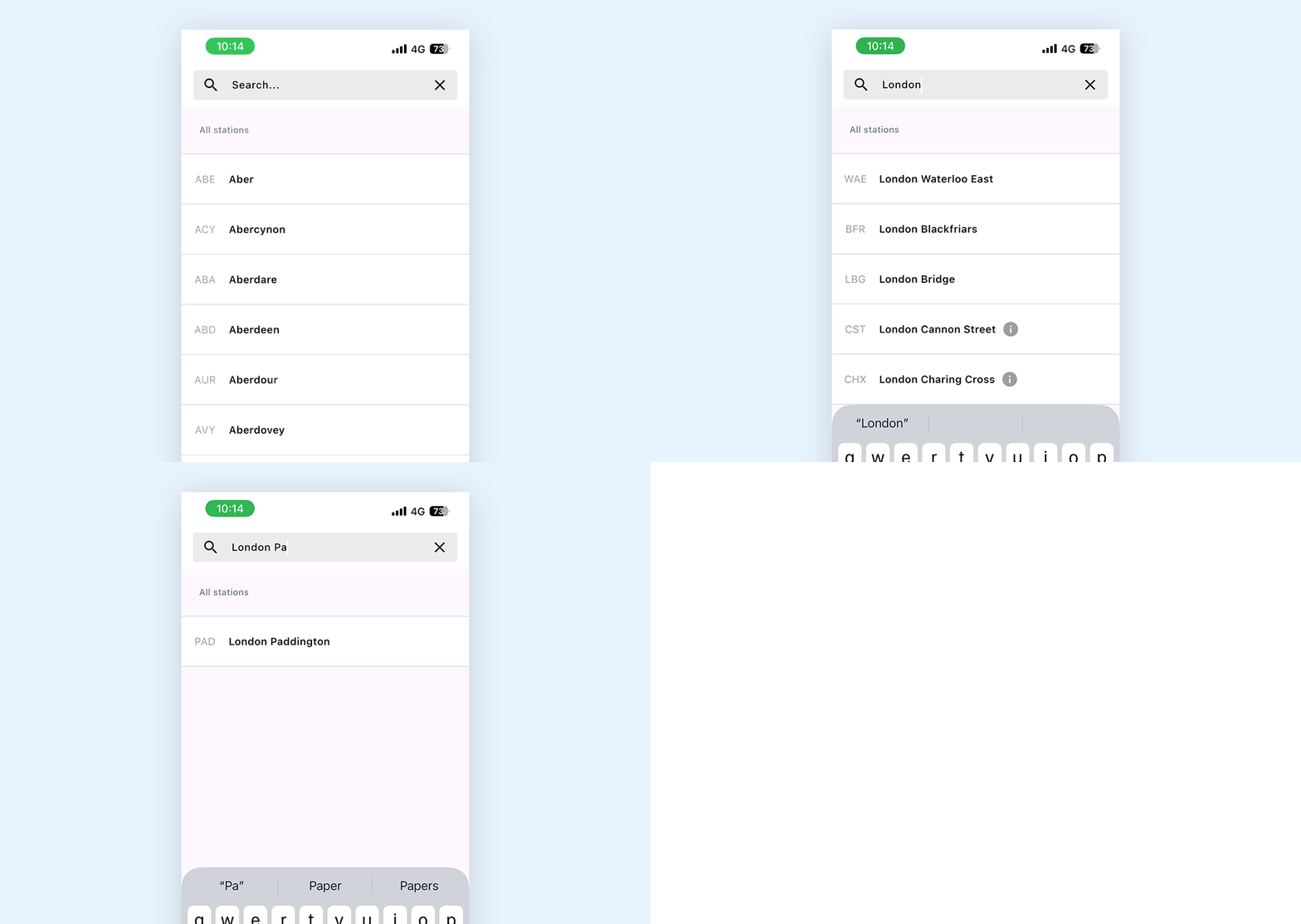
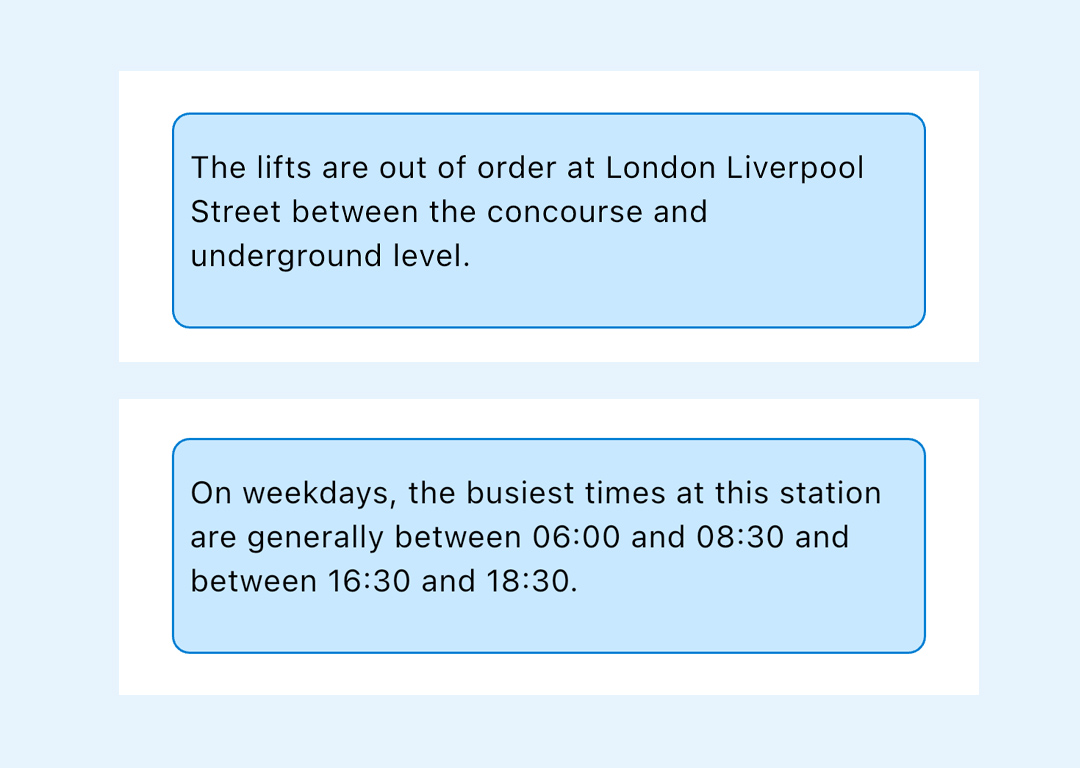
If you see an ⓘ symbol next to a station name it means there is additional (usually) temporary station information, for example this could be a change in ticket office opening hours, or notification that lifts or toilets are out of order.
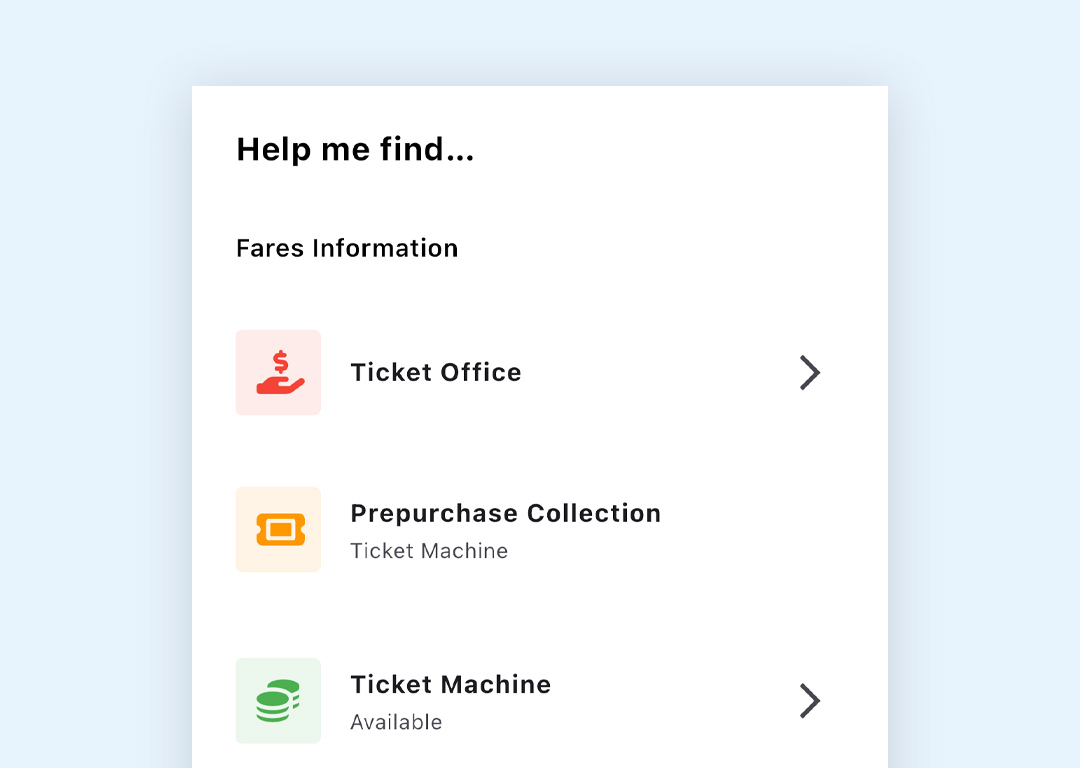
The station section lists all available information including Station Facilities, Passenger Services, and Accessibility Information.
Scroll down to look for any service or facility you want information on, and click on the arrow (where seen) for more detailed information.
You will also be able to view information on your journey start, end and any interchange stations when you plan your journey
Updating Station Data
Keeping the station data up to date ensures that you will see any important information, for example if the lifts or toilets at a station are out of order.
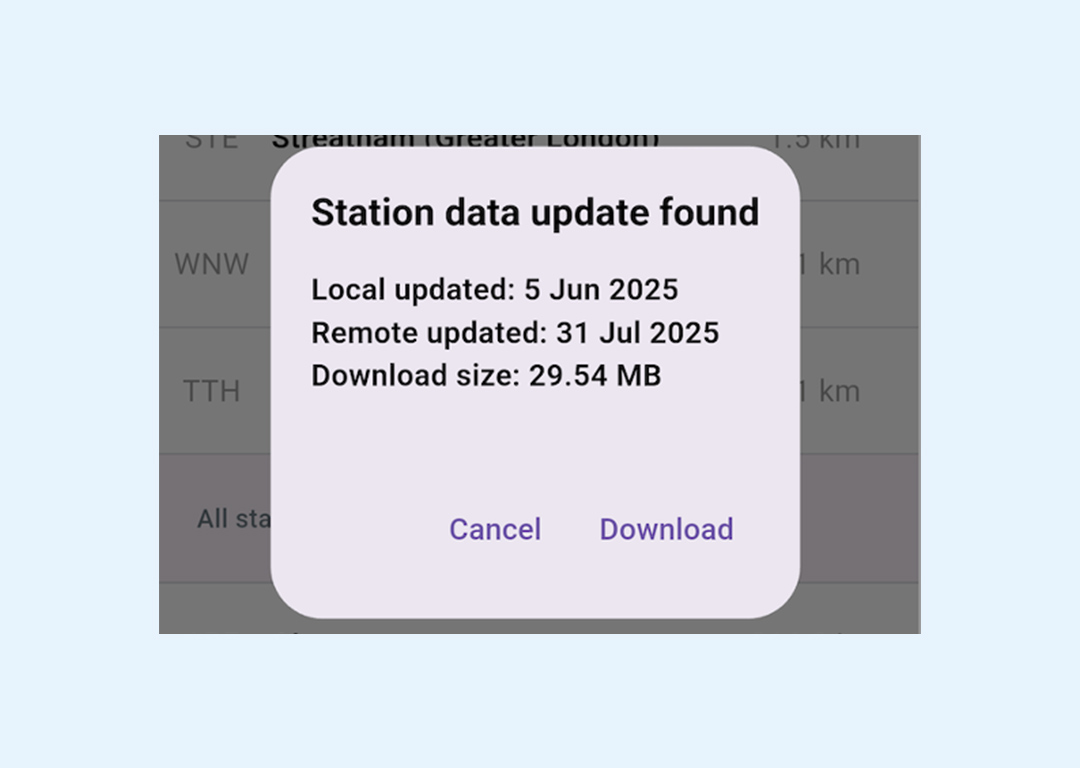
If you click on the Stations tab it will check to see if there is new data to add and you will see a pop up message asking you to download the update.
Click on Download – if the download is successful you will see a pop up confirming the download is completed