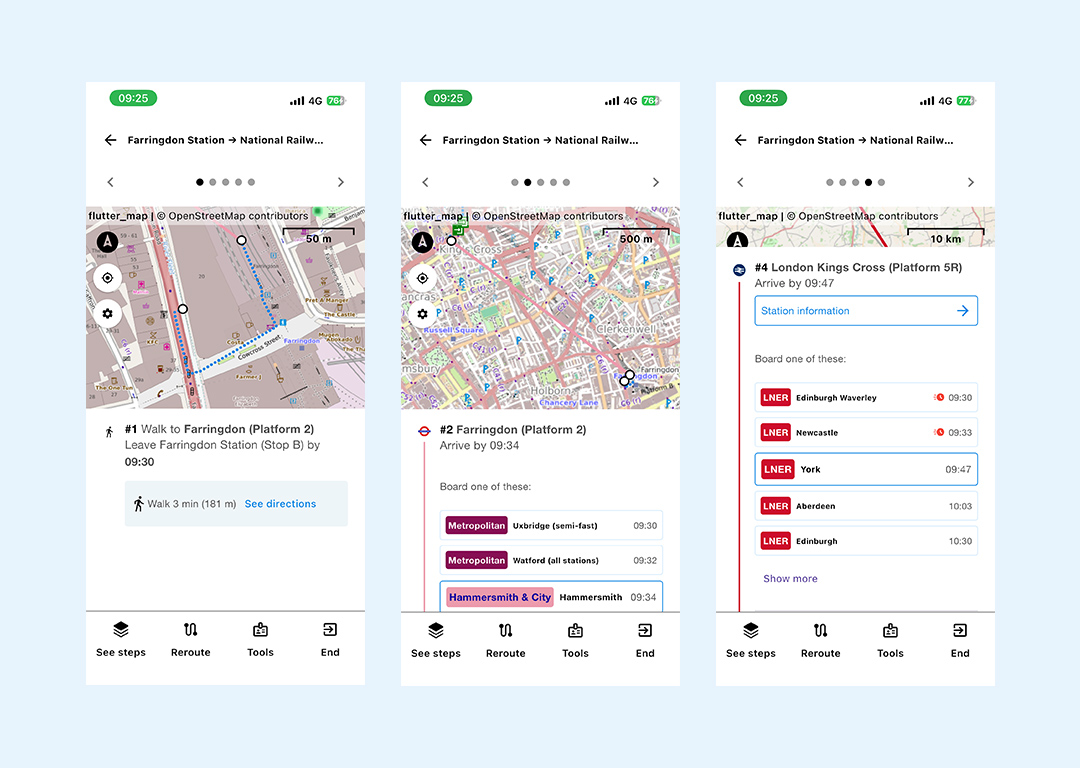
When you are ready to start your journey click on the start button
You can click through the journey steps and follow each stage of your journey clicking on the arrow > in the righthand top corner of your screen.
You will be able to see all the details from your journey summary including alerts, click to view walking instructions and stops, as well as station information.