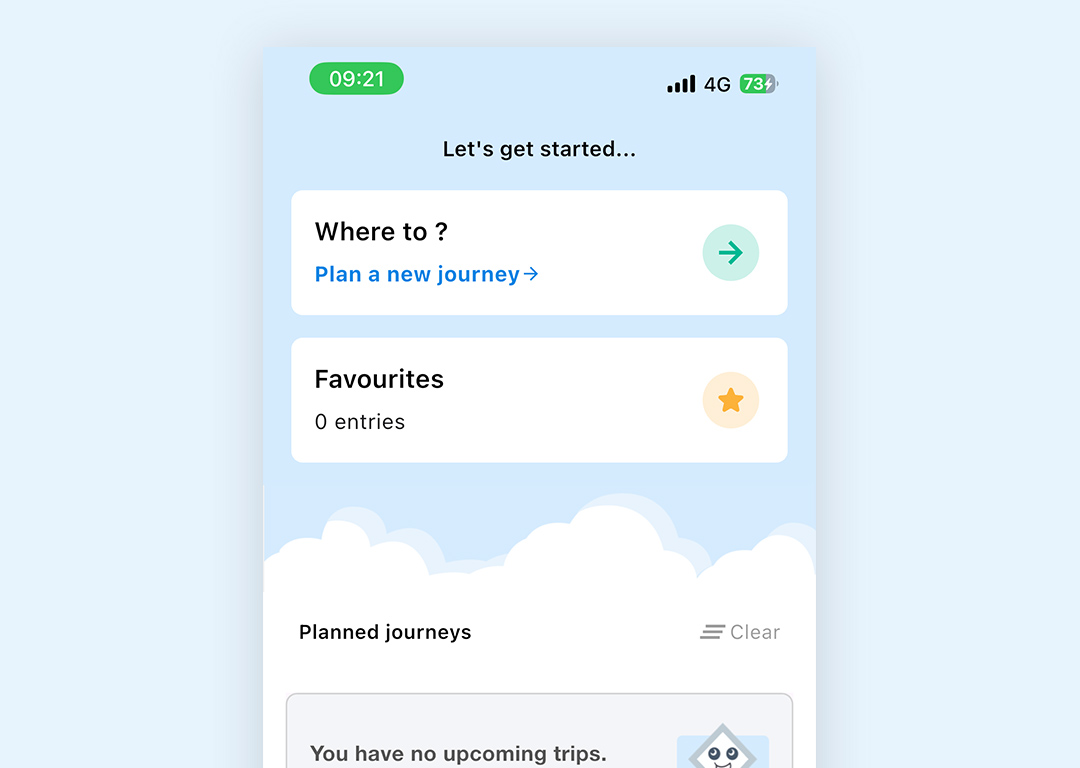
Click on Plan a new journey from the Home screen
Enter your journey starting place and where you want to go.
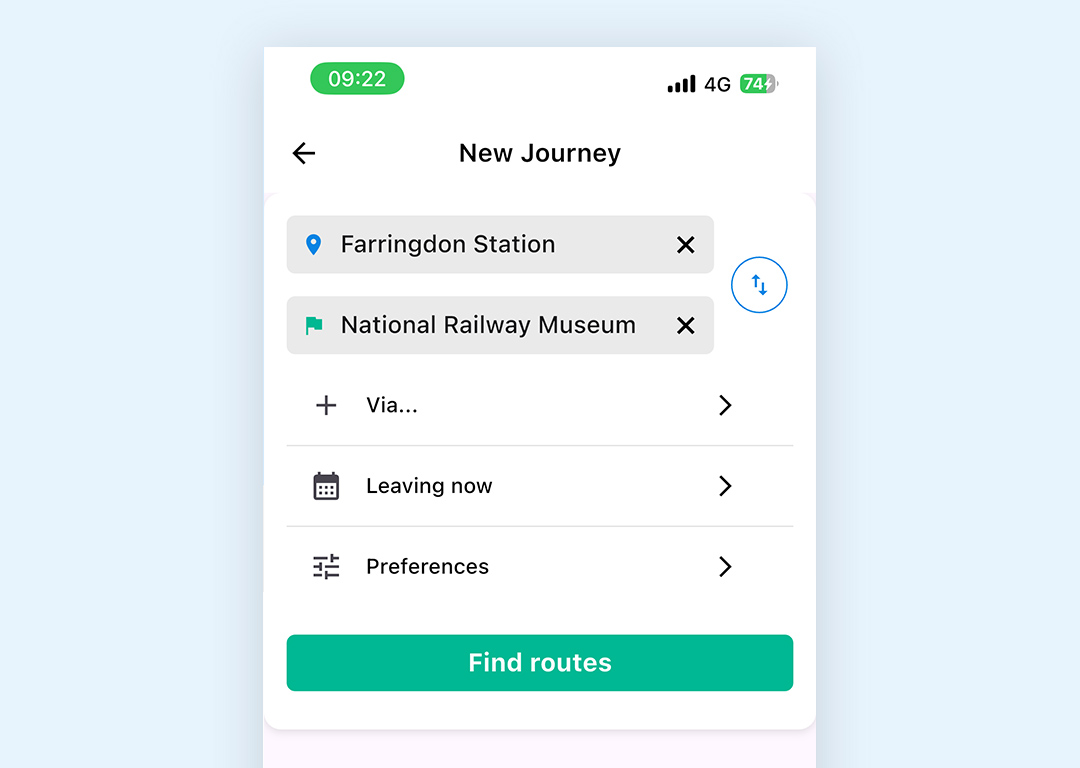
You can select from your current location (start), from your favourite saved locations, local stations, or you can type and search for an address
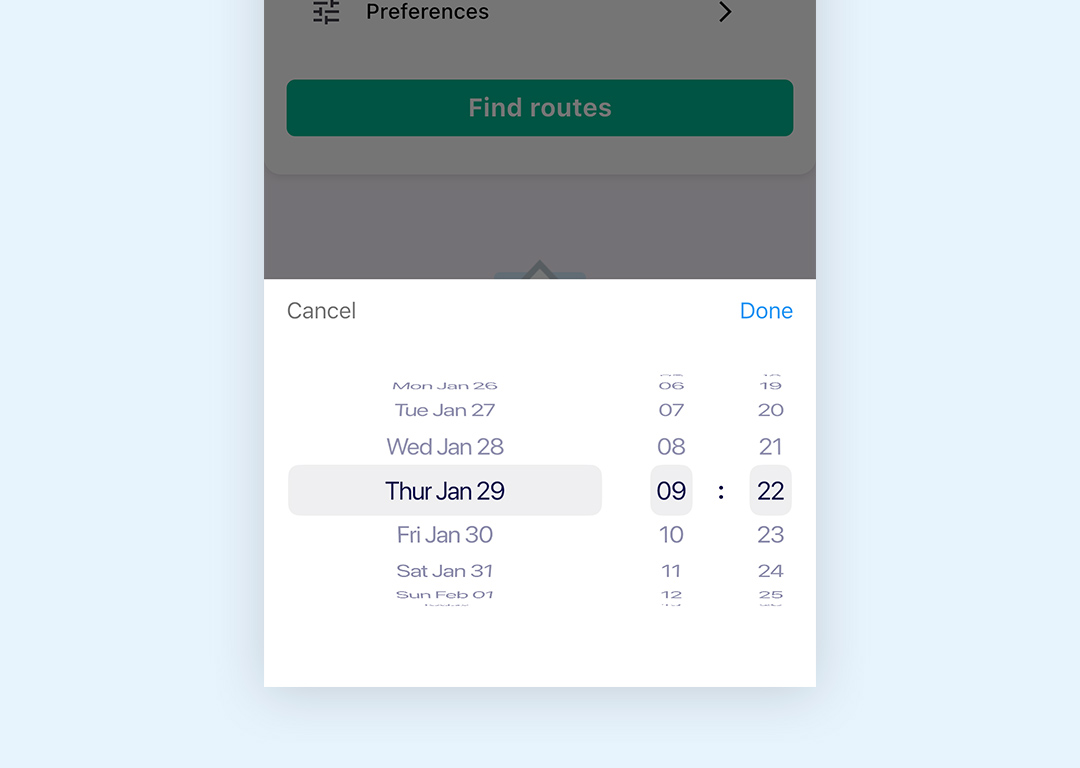
If you are planning a future journey you can set your departure or arrival time.
There are two other options you can use
Via allows you to choose to travel via a specific station
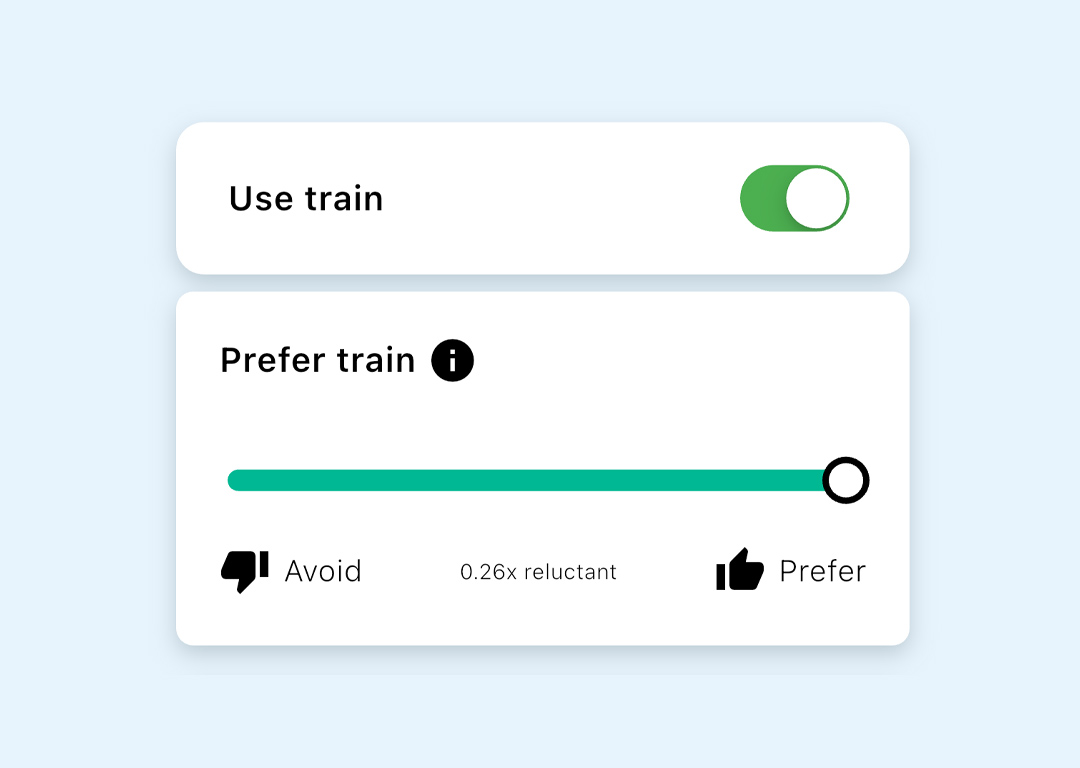
Preferences takes you to your travel preference sliders to allow you to quickly adjust these according to how you feel on the day, or to include additional transport options not usually available on regular journeys
Click on Find Routes to search for available journeys
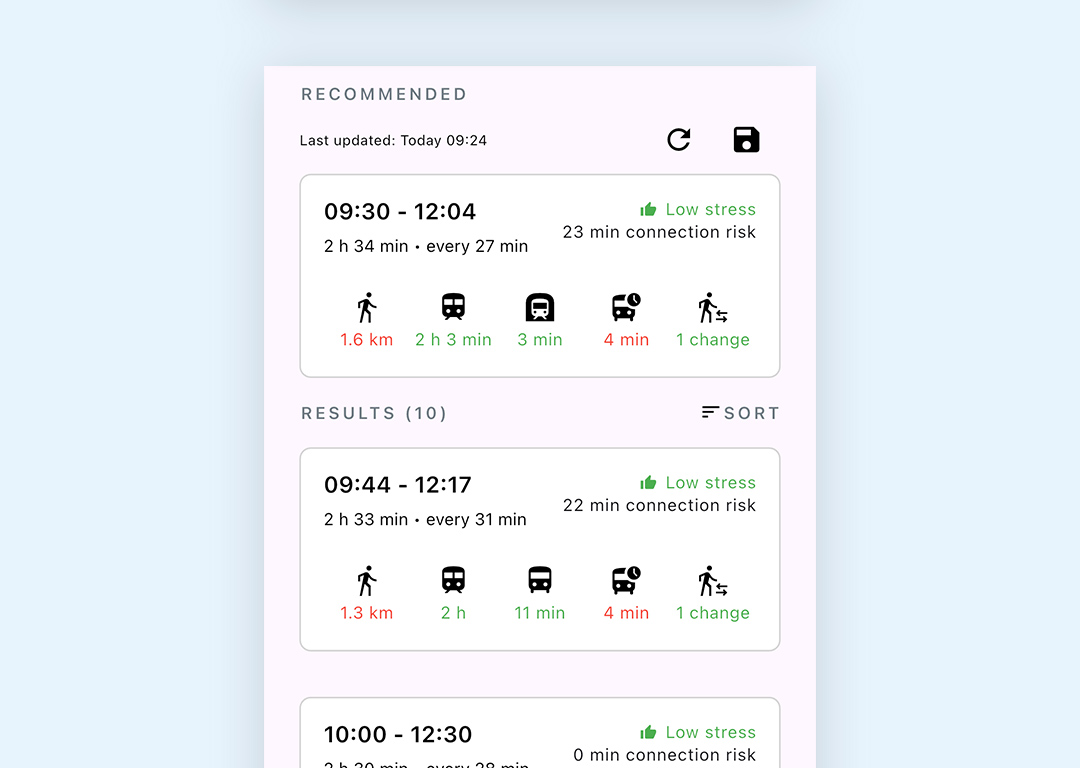
Aubin will suggest routes for you based on your preference settings.
The Recommended journey (the journey that most closely matches your preferences and travel time) will be displayed at the top.
You can scroll through the journeys to decide which option suits you best.