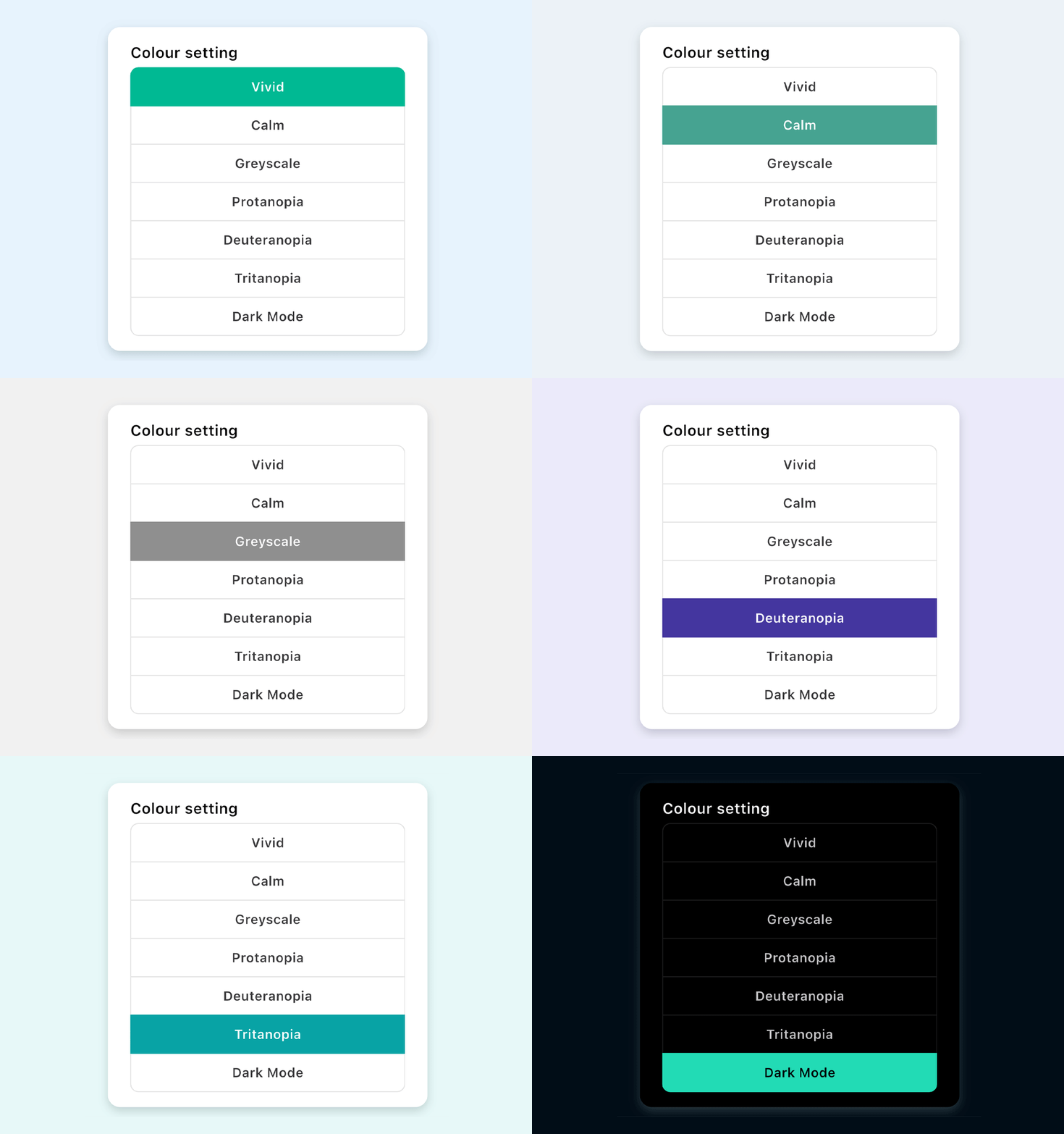
Accessibility – Colour settings
Aubin offers a range of colour schemes to support different accessibility needs.
Choose the option that works best for you.
Autism alert card
Choose whether to display the Autism alert card in the app.
-
Green indicates the card is switched on
-
Grey indicates the card is switched off
Stress labels
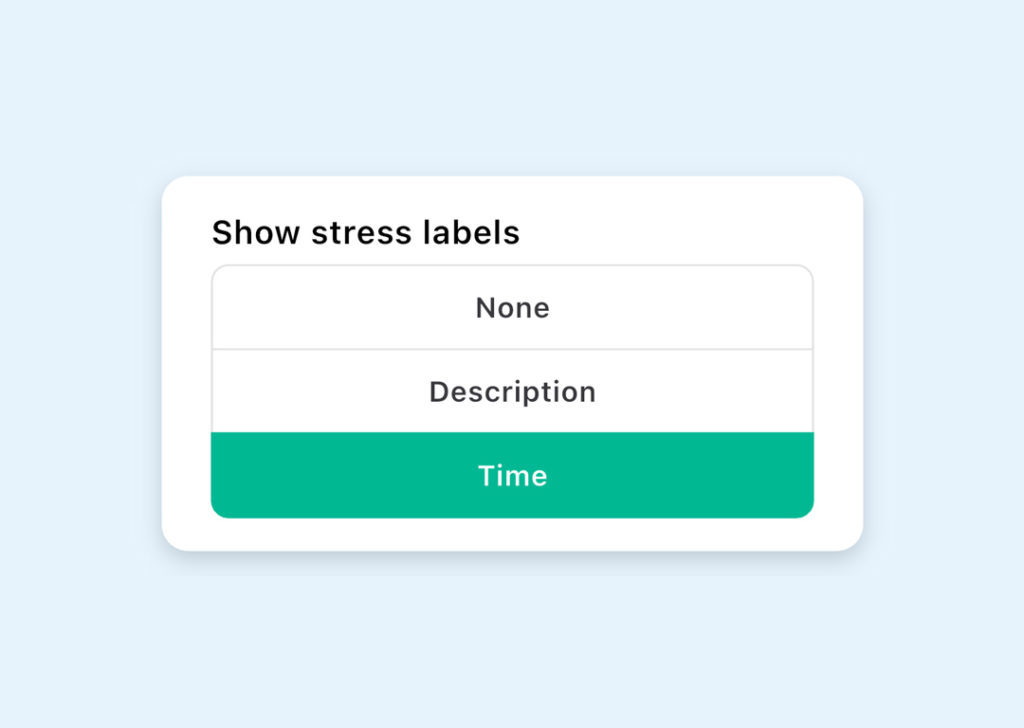
Control how stress information is shown for your journeys, or turn it off entirely if you find it unhelpful.
You can choose from:
-
None – no stress labels are shown in your journey summary
-
Description – journeys are labelled as low, medium, or high stress
-
Time – a time adjustment is applied based on how stressful Aubin estimates the journey to be
Route and mode display
Customise the information shown in your journey summary based on your selected route and mode preferences.
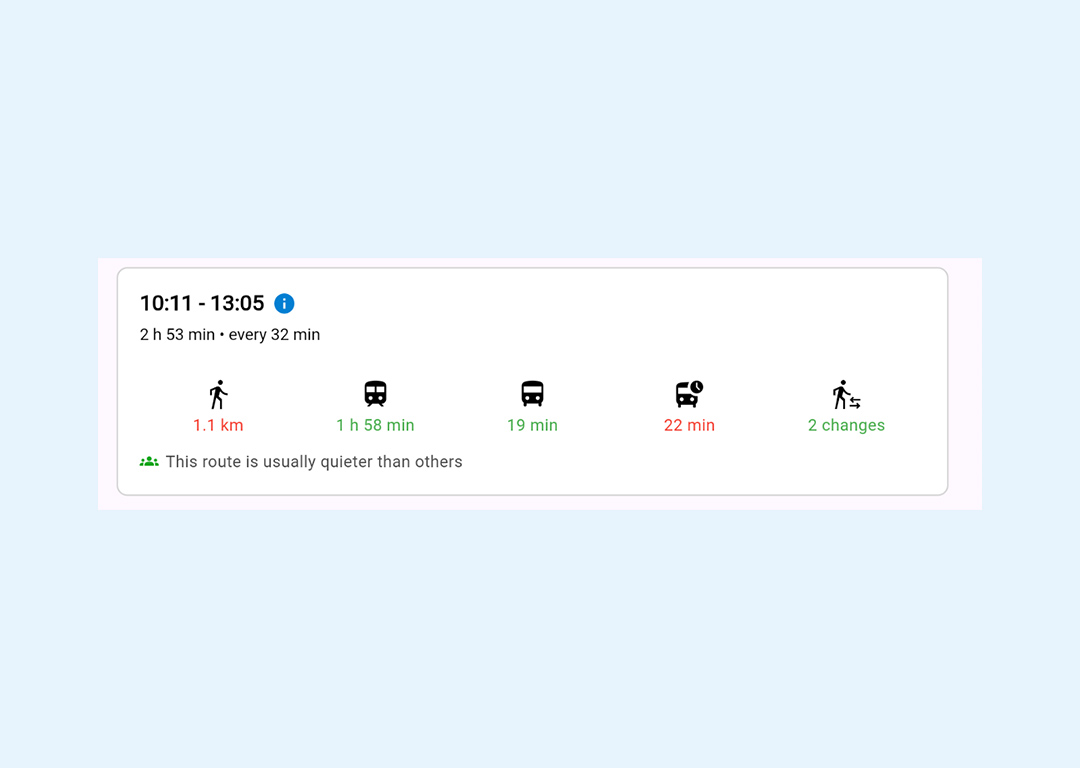
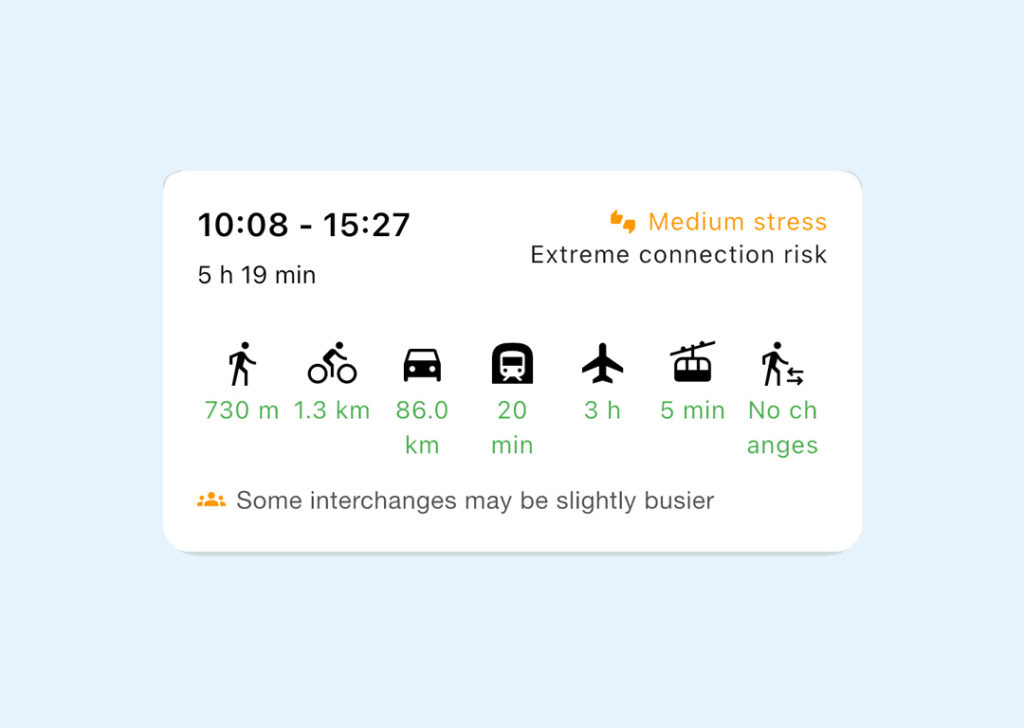
Example: Mode Summary only, stress labels set to None
You’ll see the time spent using each transport mode, colour-coded red / amber / green based on your preferences.
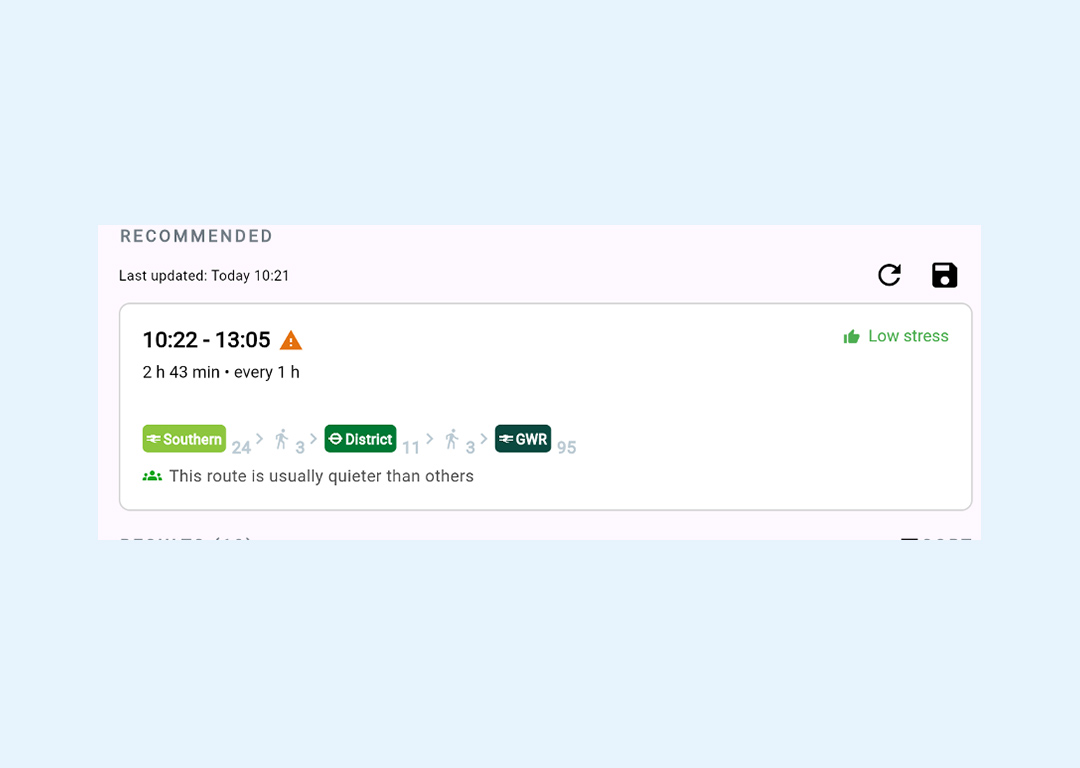
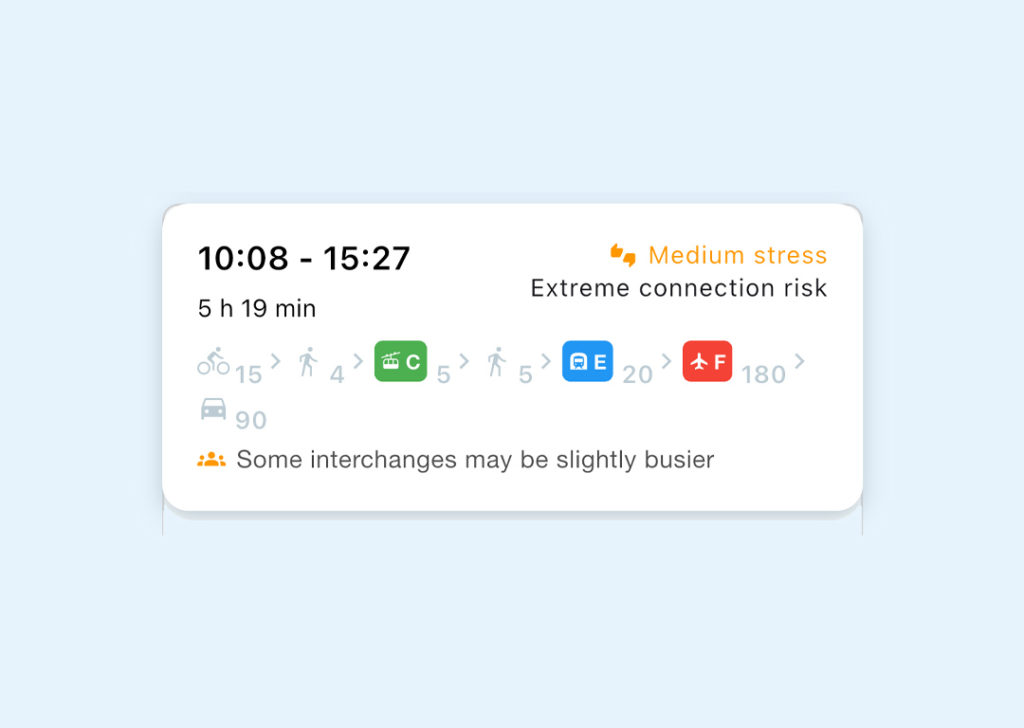
Example: Routes only, stress labels set to Description
You’ll see route details along with a stress rating for each journey option.
Speed unit
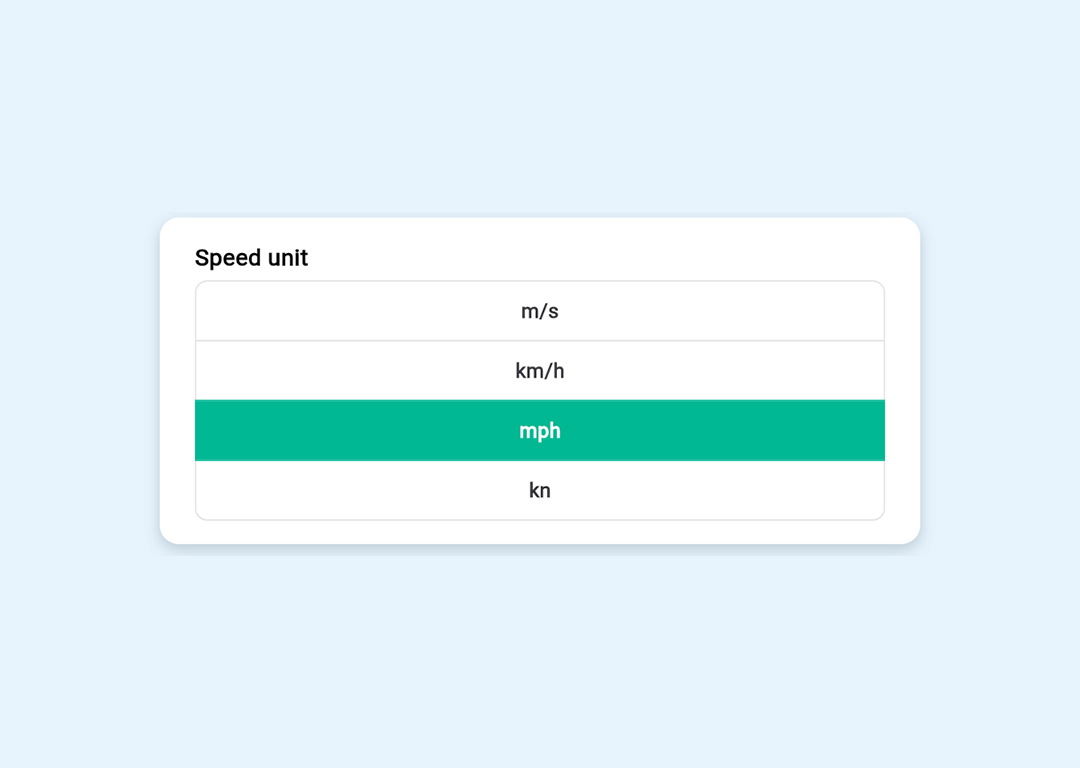
Choose how speed is displayed in the app:
-
Miles per hour (mph)
-
Kilometres per hour (km/h)
Display summary
This panel shows a preview of how your journey summary will appear based on your current settings.
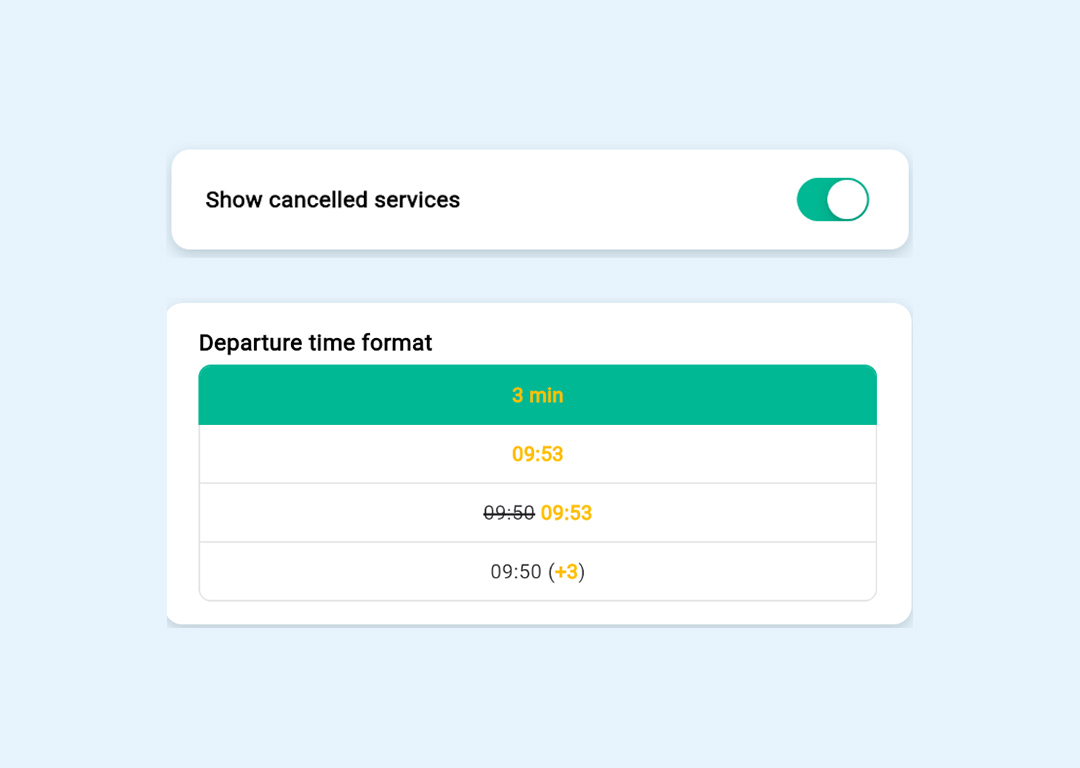
Departure boards
Choose how departure information is shown, including:
-
Whether cancelled services are displayed
-
How departure times are presented