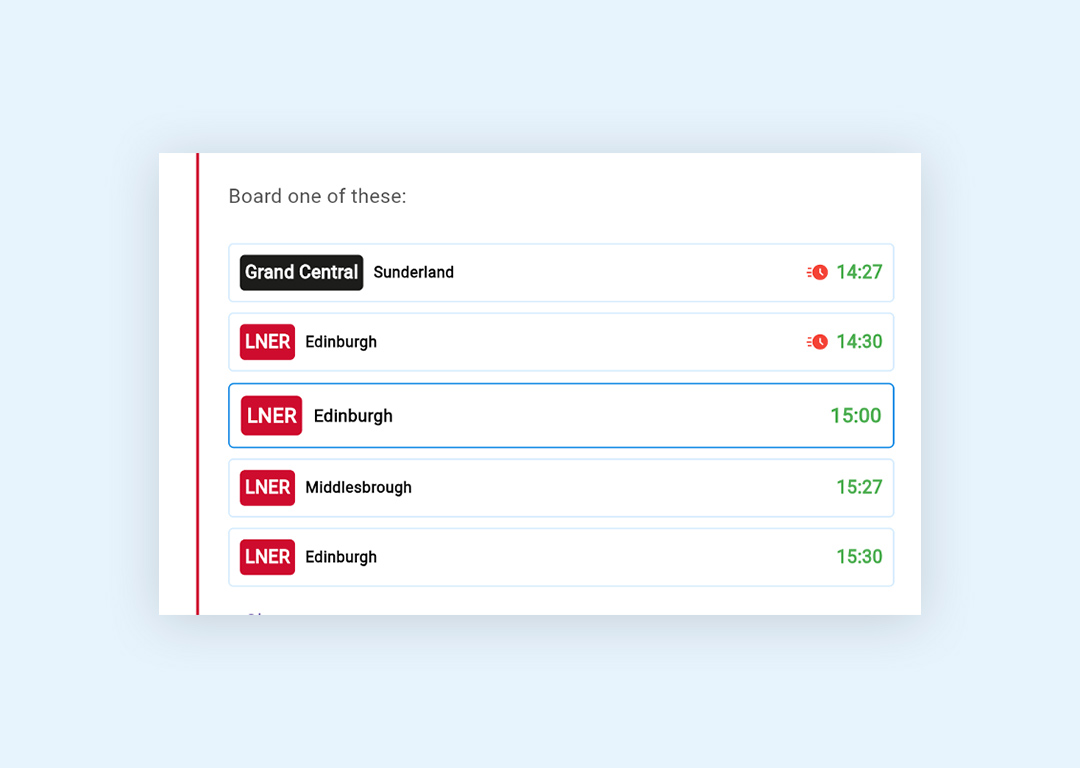
When you are on the journey pages make sure you select the train you are travelling on to ensure you receive live journey alerts and live times if your train is running late.
When you click on your chosen train it will have a darker blue line around it.
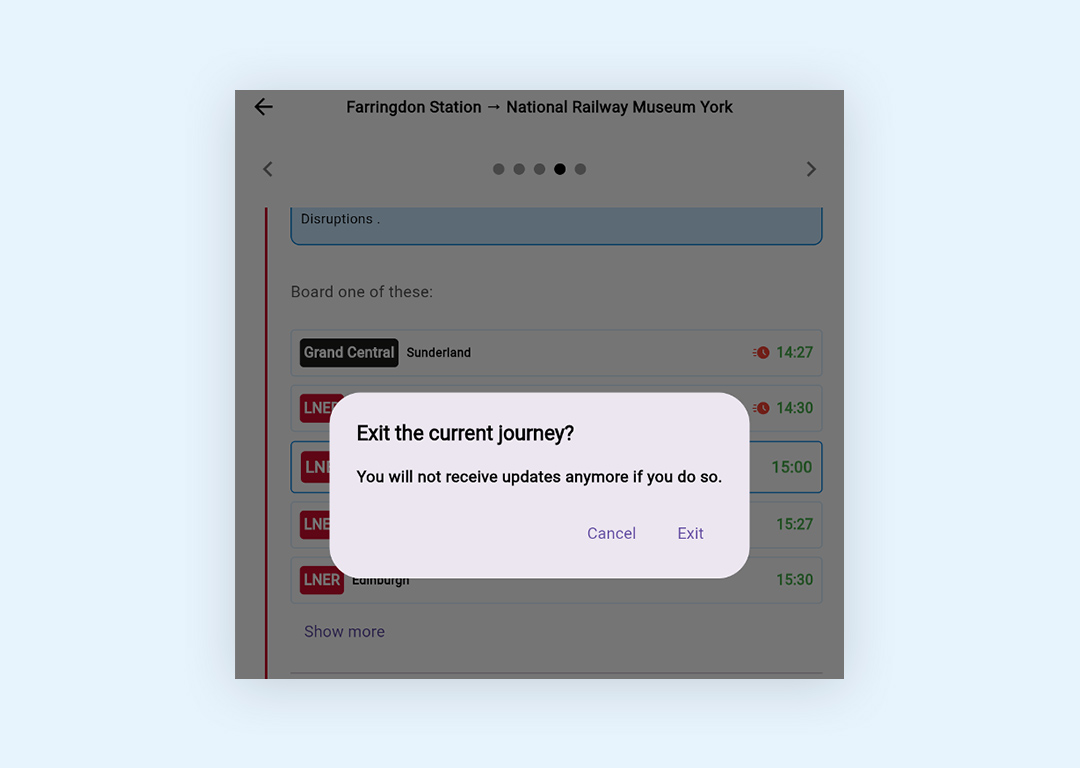
You must stay on the journey page steps to receive updates and alerts.
You will receive a notification if you click to exit the current journey to confirm whether you meant to
You can come out of the app to use your phone as long as you leave the journey active
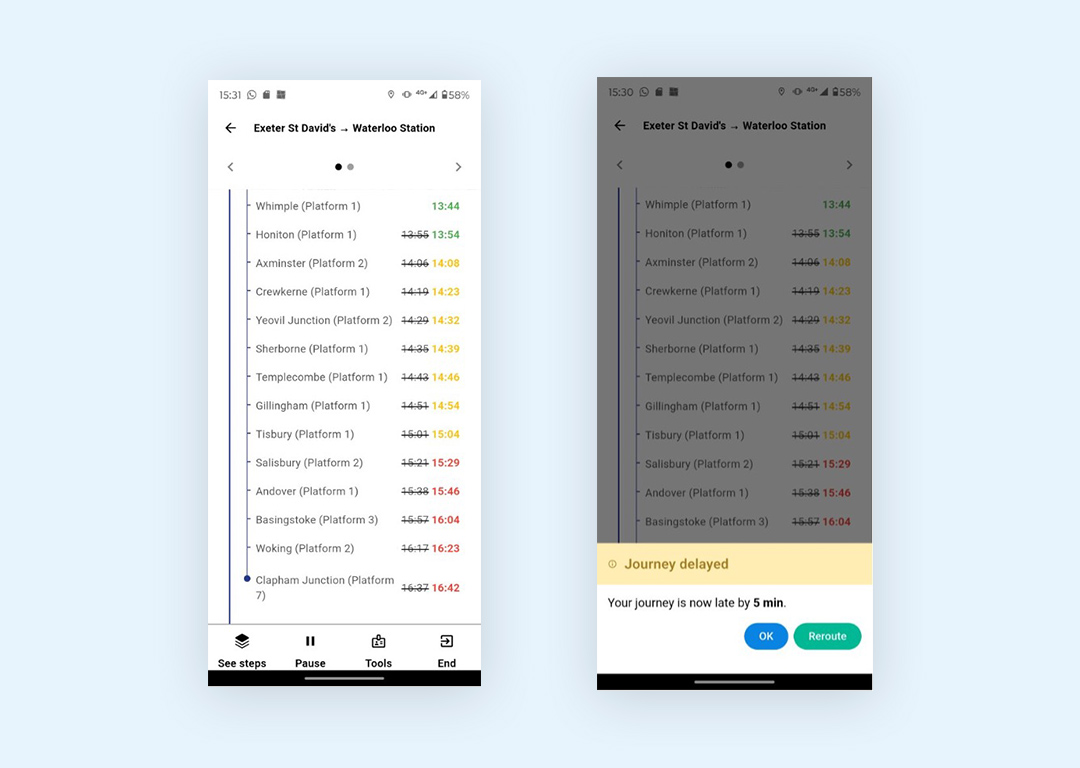
Aubin will provide you with up to date departure times from each stop on your journey.
If your journey is delayed by 5 minutes or more or cancelled Aubin will receive an alert to let you know.
You will have the option to contimue the journey (click OK) or choose to ask Aubin to reroute you to an alternative journey if your train is delayed or cancelled (click Reroute)